

What it is
DoglyTdc Pay MCP lets an AI query your account (balance, sales, products) and request actions, always requiring your approval for anything that involves money.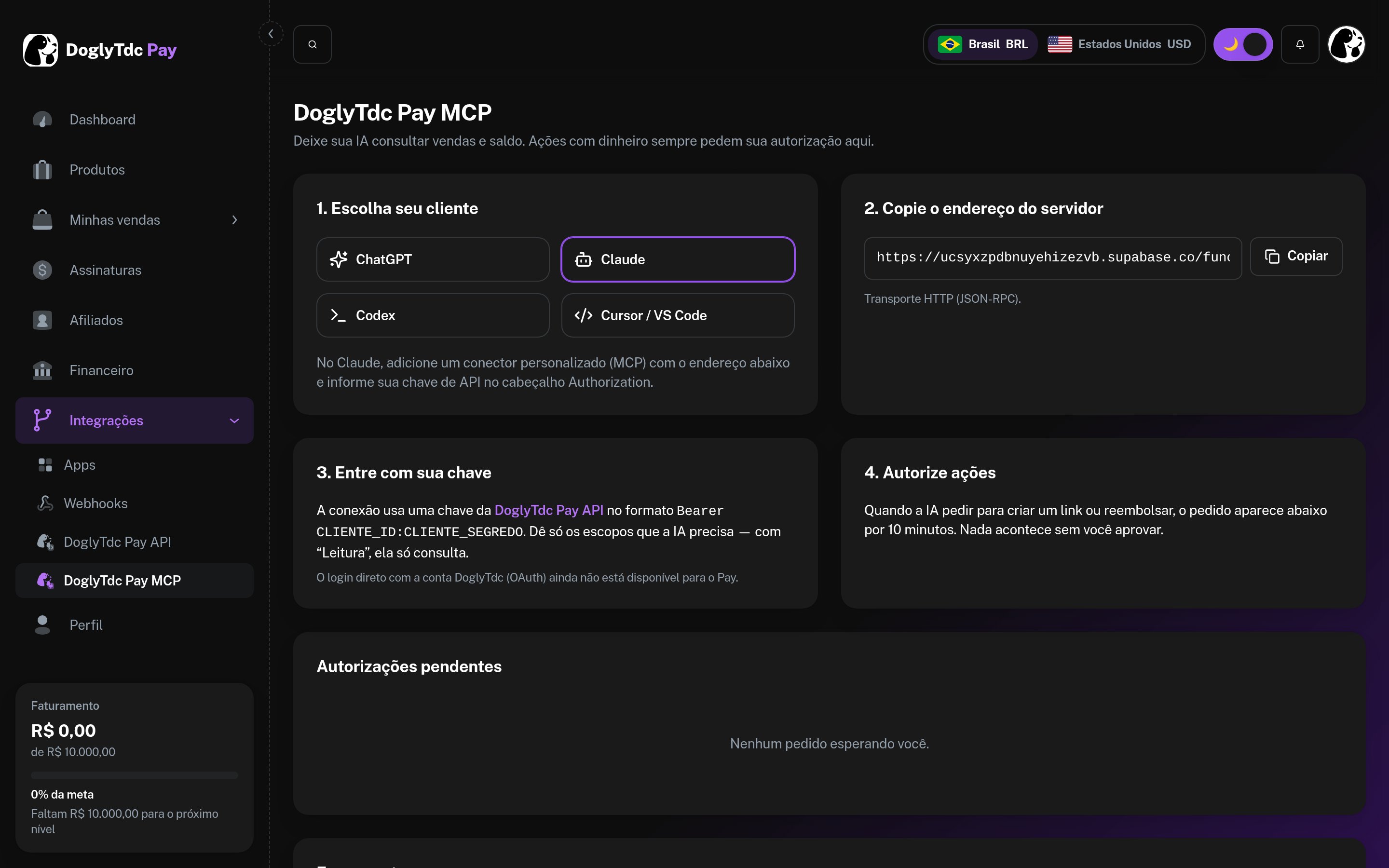
DoglyTdc Pay MCP setup
Address
Connect
1
Create a key
In Integrations › DoglyTdc Pay API, with only the scopes the AI will use.
2
Add the server
In your MCP client, use the address above with the
Authorization: Bearer dpk_CLIENT_ID:CLIENT_SECRET header.3
Test
Ask: “what is my balance on DoglyTdc Pay?”
Configuration example