

Script creation is still restricted to the DoglyTdc team.
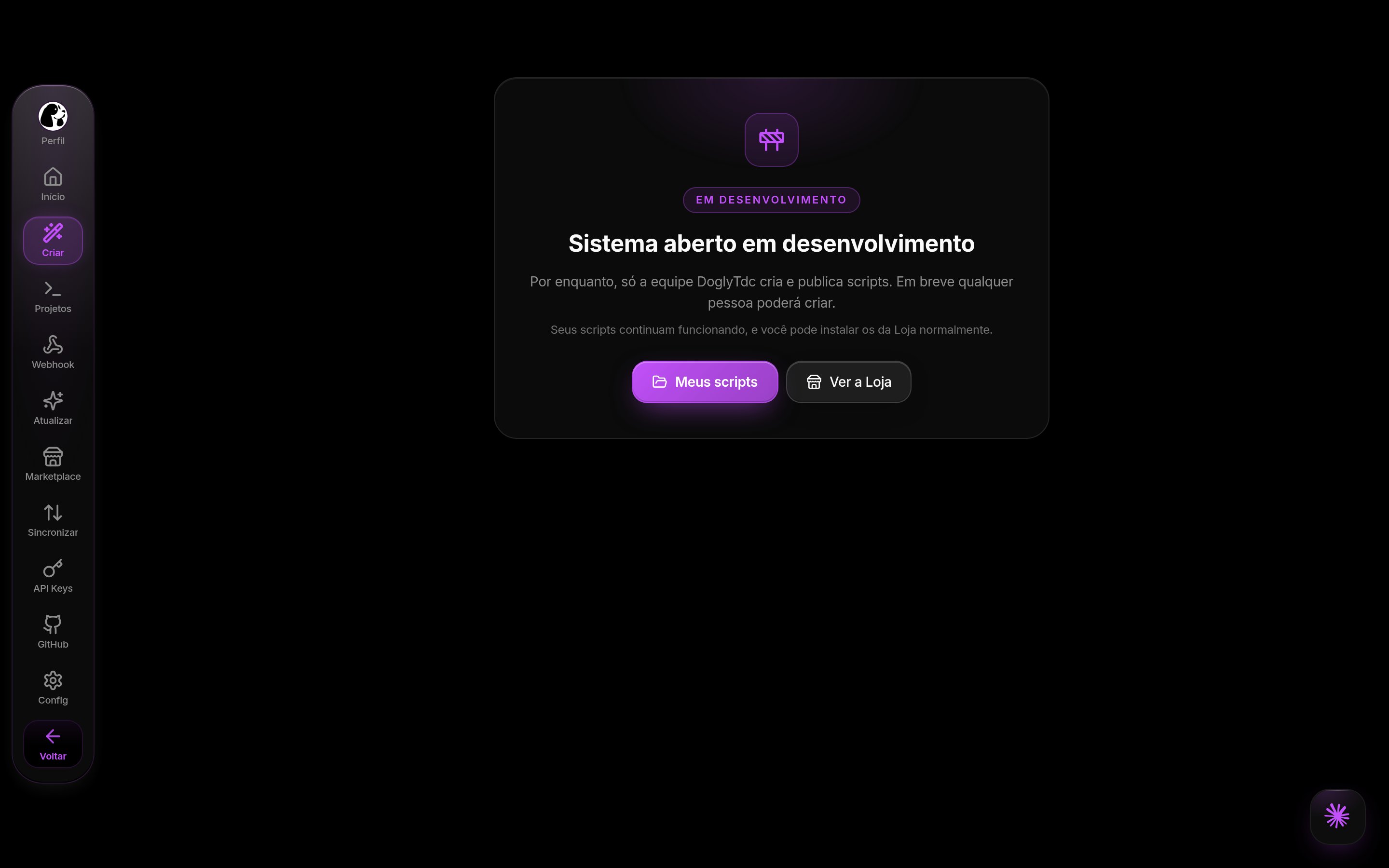
Creating a script (currently team only)
1
Connect your AI
In the terminal (Node.js 18+):Approve the plan, check the 8-letter code in your browser, and tap Aprovar (Approve). See Install with one command for details.
2
Ask for the script
Restart the AI and write, for example: “Create a free Tampermonkey script that shows a button to copy the page title.” The AI reads the Skill, calls
create_script, and saves the files with write_files.3
Review
Open the script under Scripts in the dashboard. The folder follows the standard structure:
doglytdc.json, src/, and functions/.4
Publish
Ask “publish version 1.0.0 to the Estável (Stable) channel”. The AI calls
publish_release. See Branches and versions.5
Monitor
See who uses it under Usuários (Users) and configure webhooks if you want to receive notifications on your server.