

Overview
Projects brings together records and information for available projects. You can locate an item, review its details, and access its initial prompt. Downloading the prompt creates a text file. This action does not export a runnable application.Who it is for
- People returning to a previously created project.
- People reviewing recorded goals and settings.
- People reusing an initial prompt.
- People clarifying the difference between preview and publication.
How to open
Go to Dashboard › Projects. The dashboard entry uses?tab=projects.
Open a project from the list to inspect its details.
Domain search is a separate screen from project details.
Screens and features
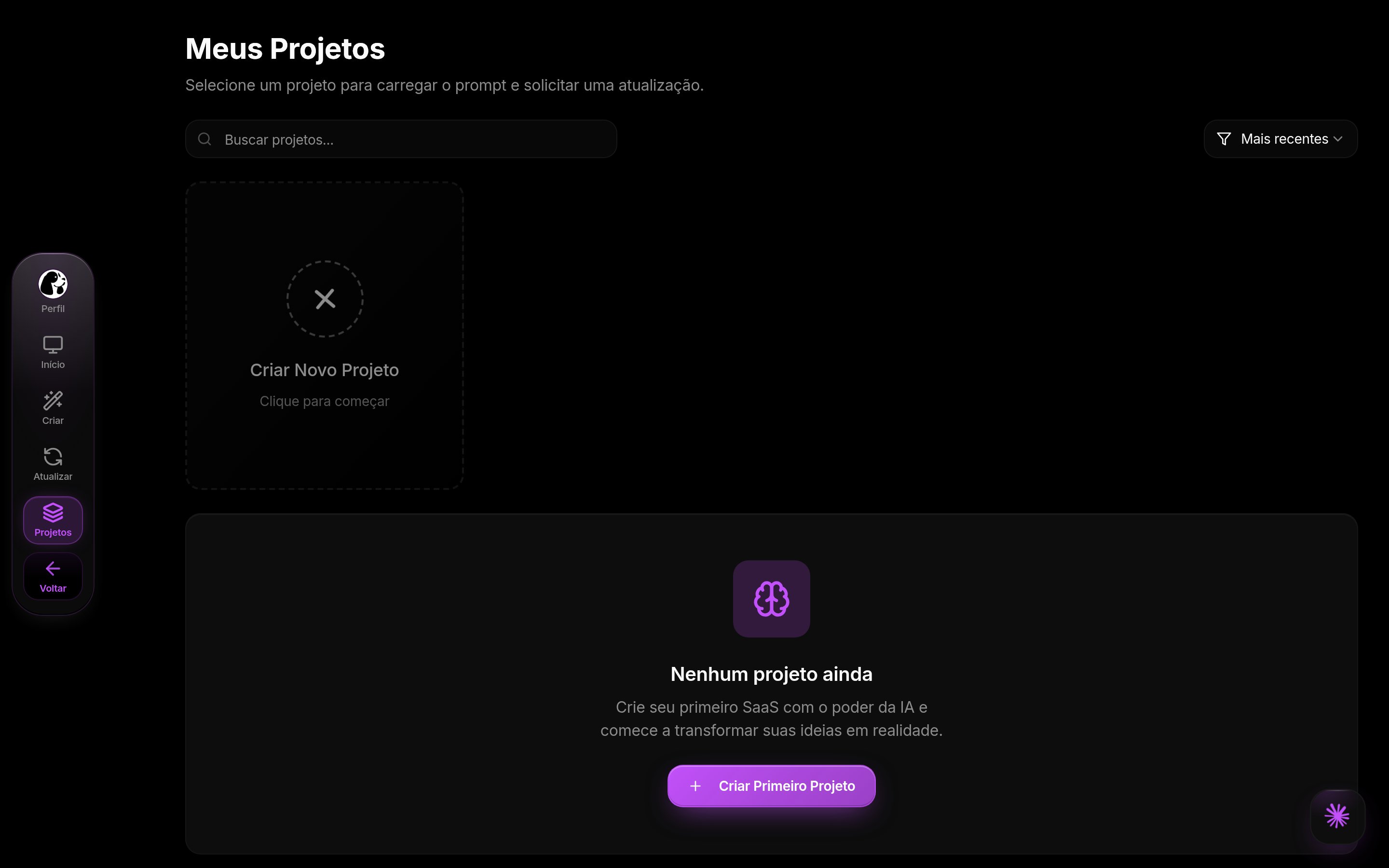
Projects in DoglyTdc
Project list
The list supports searching and sorting projects. Author and origin filters are implemented. Results depend on projects accessible to your account. Select an item to open its detailed view.Overview
The overview presents information about the selected project. It may show creation and update dates. The prompt status indicates whether generated text exists. A pending prompt is not a file already available for download.Details
Details may include the name, description, and target audience. They may also show features, visual style, and colors. Fields depend on information recorded for the project. A missing field should not be interpreted as completed configuration.Initial prompt
When a generated prompt exists, you can copy or download it. The download uses a filename ending in-prompt.txt.
The file contains the prompt text.
It does not automatically include the application’s implementation files.
1
Find the project
Use the available search and filters.
Open the correct item from the list.
2
Check the prompt
Open the initial prompt area.
Check whether generated content exists.
3
Copy or download
Choose the action you need.
Read the confirmation and look for the text file if downloading.
Updates
The detail view includes an updates area. Use it to review information recorded for the project. It does not turn a prompt download into a source-code export.Thumbnails and previews
Design projects can generate thumbnails from a preview. The interface indicates when preview generation is running or has failed. A thumbnail is a visual representation, not publication confirmation.Domain search
The domains screen retrieves results for your search. Searching a name does not publish the project. It does not automatically connect the domain to the application either. Treat search, acquisition, and connection as separate actions.Credits and limits
No credit debit was identified for copying or downloading this prompt. This does not describe generation or update costs in other tools. This page does not claim unlimited projects. Check the plan and creation tool used for each project.Permissions
Results depend on the account’s access. Author and origin filters do not grant new permissions. Only copy or share content you are authorized to use. Downloading a prompt does not transfer project ownership.Common errors
The preview messages below belong to design projects. Copy and download confirmations are not errors.Frequently asked questions
Does downloading the prompt download the app?
Does downloading the prompt download the app?
No. It creates a text file containing the initial prompt.
Does a thumbnail mean the project is published?
Does a thumbnail mean the project is published?
No. A thumbnail is a visual preview.
Does searching for a domain connect it?
Does searching for a domain connect it?
No. Search does not publish or connect the domain.
Why can I not find a prompt to download?
Why can I not find a prompt to download?
Downloading requires a generated prompt in the selected project.